How a building contractor runs on BARITA.
Slipping jobs show early, and changes agreed on site end up on a claim.
The setting: Five to eight jobs at once, from home extensions to small office fit-outs.
It started with one simple request.
“We're a building contractor running five to eight jobs at once, from home extensions to small office fit-outs. Each job's schedule, budget, materials and subcontractors live in different spreadsheets and the site managers' heads. …”
Read the whole request
We're a building contractor running five to eight jobs at once, from home extensions to small office fit-outs. Each job's schedule, budget, materials and subcontractors live in different spreadsheets and the site managers' heads. We find out about cost overruns too late, change requests from clients get agreed on site and never billed, and I spend evenings chasing daily updates and photos. I want to track each project's schedule and budget against actual costs, crews and subcontractors on each site, daily site reports with photos, client change requests, and progress billing, and see which jobs are on track and which are slipping.
What gets in the way.
Each job's schedule, budget, materials and subcontractors lived in different spreadsheets and the site managers' heads.
Cost overruns were found out too late.
Change requests from clients were agreed on site and never billed.
Evenings went on chasing daily updates and photos.
It was hard to tell which jobs are on track and which are slipping.
Watch the crew take it on.
We're a building contractor running five to eight jobs at once, from home extensions to small office fit-outs. Each job's schedule, budget, materials and subcontractors live in different spreadsheets and the site managers' heads. We find out about cost overruns too late, change requests from clients get agreed on site and never billed, and I spend evenings chasing daily updates and photos. I want to track each project's schedule and budget against actual costs, crews and subcontractors on each site, daily site reports with photos, client change requests, and progress billing, and see which jobs are on track and which are slipping.
The request as it was typed.
The requestSee which jobs are slipping
The work appears here
How each one is removed.
Each job's schedule, budget, materials and subcontractors lived in different spreadsheets and the site managers' heads.
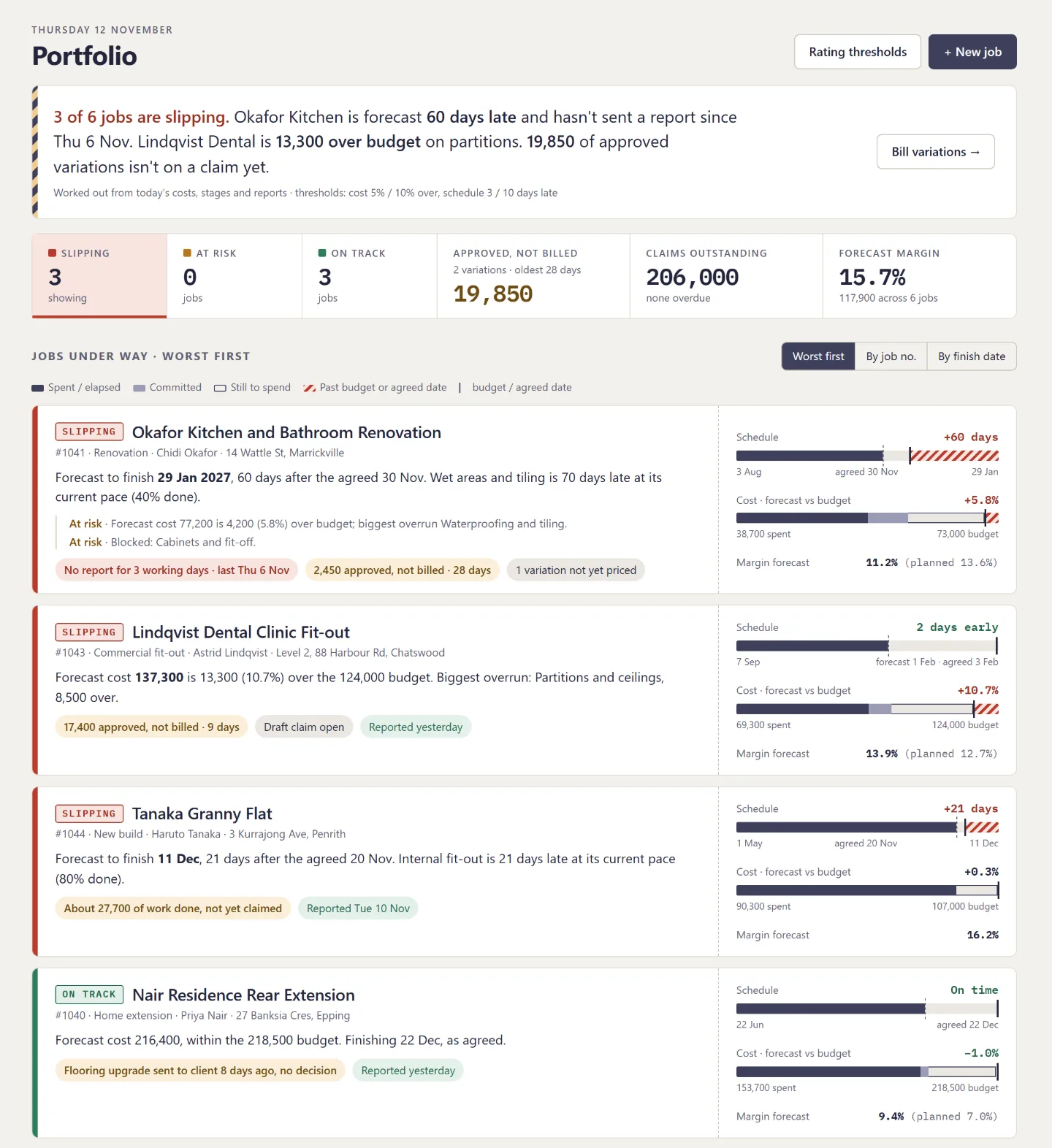
One page per job holds the schedule, the cost against budget line by line, the crews and the latest site report.
The app the crew designed
Cost overruns were found out too late.
Every job is rated on track, at risk or slipping against limits the owner sets, with the reason in one sentence.
A dashboard for the owner
Change requests from clients were agreed on site and never billed.
A change is priced and approved on record, then goes onto the next progress claim.
A routine that runs by itself
Evenings went on chasing daily updates and photos.
Site managers file a report with photos from the phone, and the office sees which sites have not reported.
The app the crew designed
It was hard to tell which jobs are on track and which are slipping.
Ask which jobs are slipping and what it costs, and the crew answers from the costs, stages and reports.
A plain question, answered
What this takes off your plate.
Overruns seen as they happen
Each job shows its cost and schedule against plan, so a problem is a Tuesday conversation, not a final-account surprise.
Nothing agreed on site goes unbilled
Client changes are priced, approved on record and carried onto the next claim.
Evenings back
Site managers file their report and photos from the phone, and the office sees who has not.
Read next
Farm
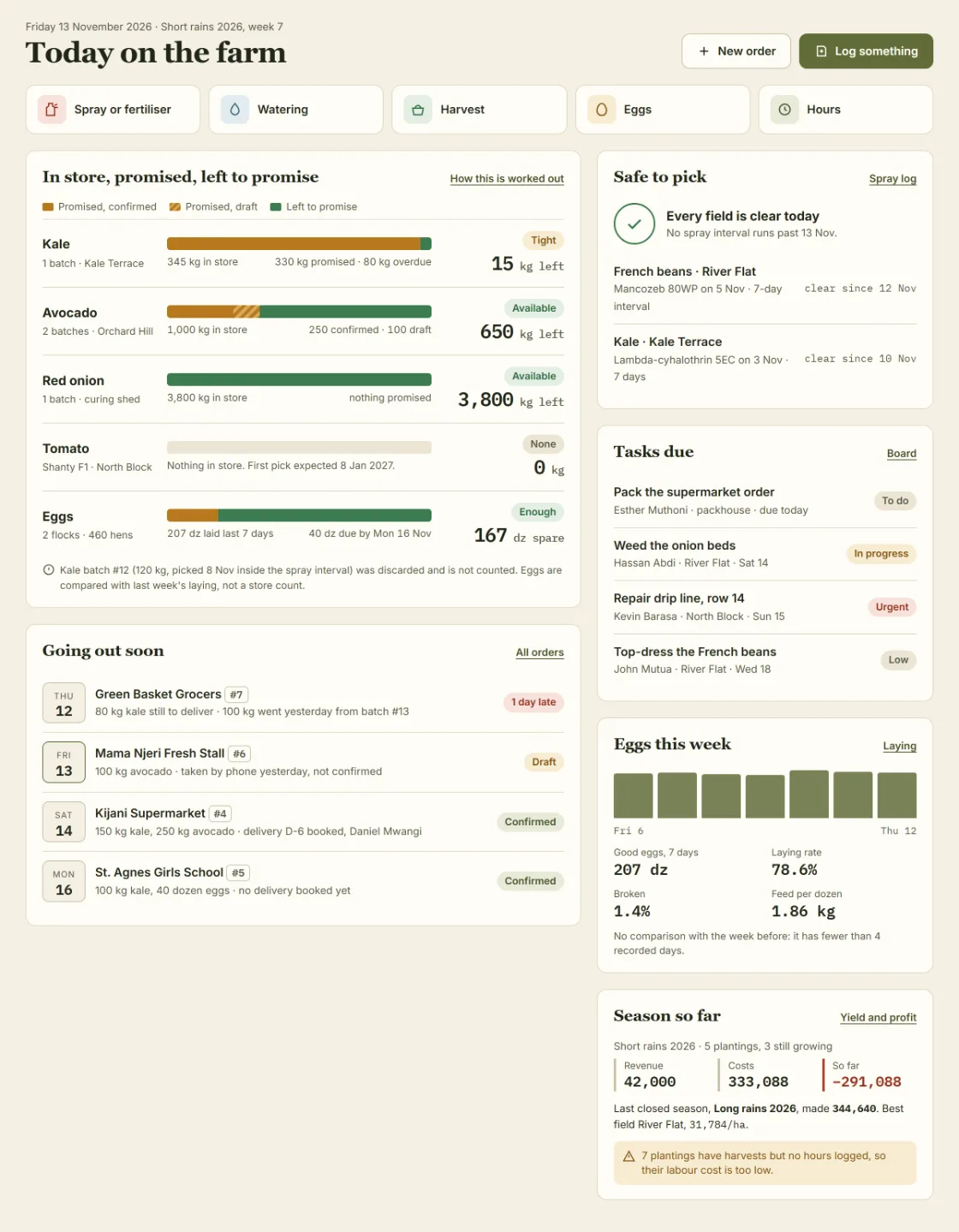
Every field has its record, so a buyer can be shown what was applied and nothing is promised that is not there.
Planting, spraying, harvests and orders lived in notebooks and phone calls. The crew designed one farm record, from planting to profit, for the owner, the supervisor and the field team.
Your turn. One message is enough to start.
Say what your business needs in your own words. The crew plans it, shows you the screens, and builds once you agree.