How a consulting firm runs on BARITA.
Hours are logged in the week, so invoices go out complete and budgets are watched.
The setting: 18 consultants working on several client projects at once.
It started with one simple request.
“I run a consulting firm with 18 consultants working on several client projects at once. Consultants log their hours in a spreadsheet at the end of the week, often late and incomplete, so invoices go out late and we under-bill. …”
Read the whole request
I run a consulting firm with 18 consultants working on several client projects at once. Consultants log their hours in a spreadsheet at the end of the week, often late and incomplete, so invoices go out late and we under-bill. I can't see who is overloaded and who is free for the next project, and project budgets get blown before anyone notices. I want to manage clients and projects with budgets and milestones, timesheets, who is assigned where, and invoicing, and see utilisation, project profitability and what we'll bill this month.
What gets in the way.
Hours were logged in a spreadsheet at the end of the week, often late and incomplete.
Invoices went out late and the firm under-billed.
No one could see who is overloaded and who is free for the next project.
Project budgets were blown before anyone noticed.
Utilisation, project profitability and this month's billing were not in one place.
Watch the crew take it on.
I run a consulting firm with 18 consultants working on several client projects at once. Consultants log their hours in a spreadsheet at the end of the week, often late and incomplete, so invoices go out late and we under-bill. I can't see who is overloaded and who is free for the next project, and project budgets get blown before anyone notices. I want to manage clients and projects with budgets and milestones, timesheets, who is assigned where, and invoicing, and see utilisation, project profitability and what we'll bill this month.
The request as it was typed.
The requestBill every hour we work
The work appears here
How each one is removed.
Hours were logged in a spreadsheet at the end of the week, often late and incomplete.
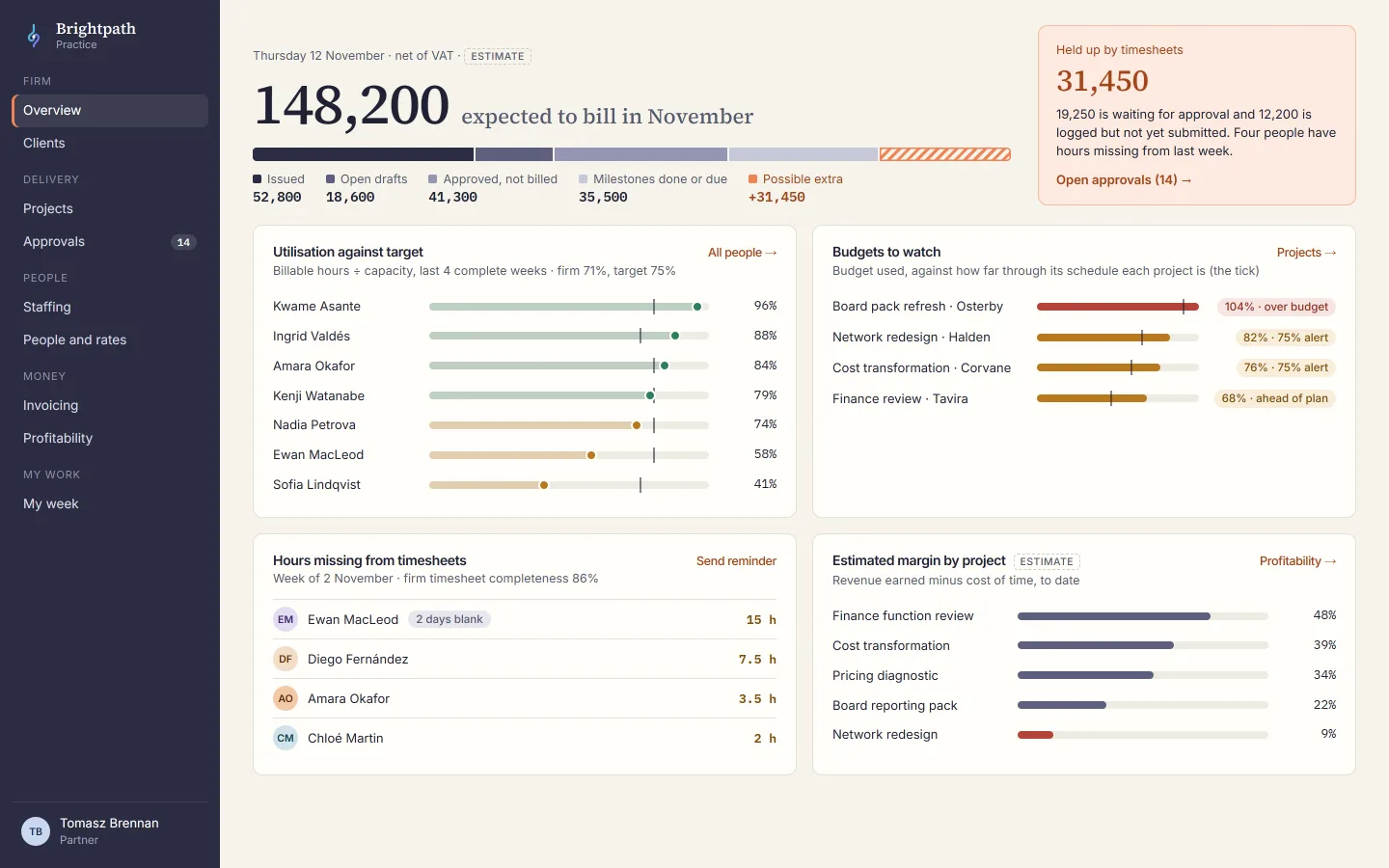
A weekly grid already lists each consultant's projects, so hours are typed in during the week, and unsubmitted weeks show to the managers.
The app the crew designed
Invoices went out late and the firm under-billed.
Approved hours and completed milestones are collected for finance, who turn them into a draft invoice in a few clicks.
A routine that runs by itself
No one could see who is overloaded and who is free for the next project.
A staffing grid shows each person's load week by week, with overbooked and free hours in colour.
The app the crew designed
Project budgets were blown before anyone noticed.
Each project's budget used is drawn against its schedule, with warnings at three levels and a forecast.
A dashboard for the owner
Utilisation, project profitability and this month's billing were not in one place.
Ask what the firm will bill this month and what is holding it up, and the crew answers from the records.
A plain question, answered
What this takes off your plate.
Invoices that leave on time
Hours are logged and approved during the week, so what is ready to bill is known and nothing is left behind.
Who is free, at a glance
The next project is staffed from the colour grid of free and overbooked hours, not by asking around.
Budgets that warn early
Every project's budget is set against its schedule, so an overrun shows while something can still be done.
Read next
Law firm
No court deadline goes unowned, and every hour worked is recorded to be billed.
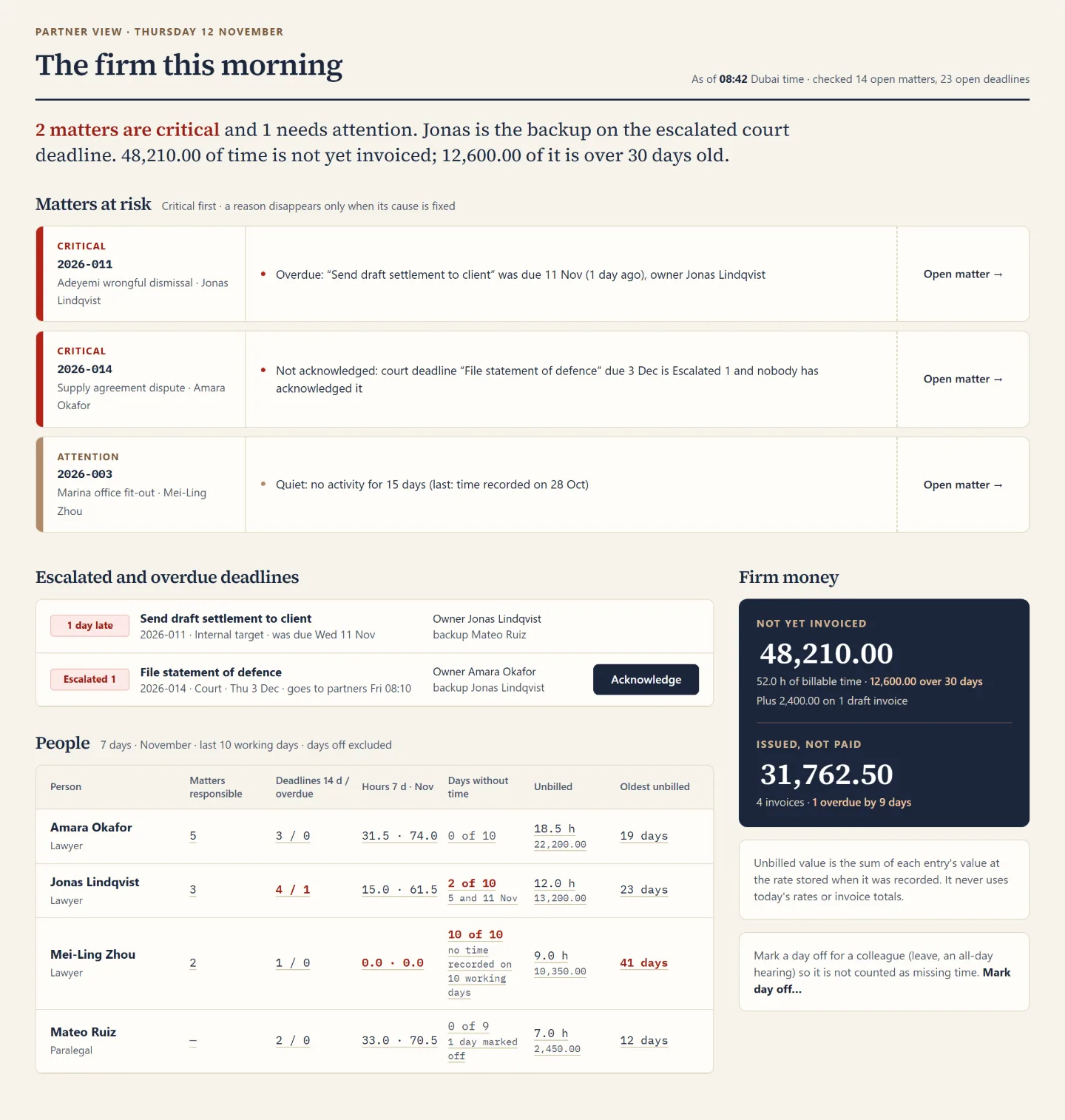
Deadlines, documents and time were scattered, and a court filing was nearly missed. The crew designed one practice-management app where every deadline has an owner and a backup.
Your turn. One message is enough to start.
Say what your business needs in your own words. The crew plans it, shows you the screens, and builds once you agree.