How a family clinic runs on BARITA.
A day with no crowded hours next to empty ones. Fewer missed appointments. No guessing at the payment desk.
The setting: Three doctors, two nurses, a front desk and about 60 patients a day.
It started with one simple request.
“I run a family clinic with three doctors and about 60 patients a day. Appointments are booked by phone into a paper diary and a shared calendar, patients wait too long because we overbook some hours and leave others empty, and no-shows cost us a lot. …”
Read the whole request
I run a family clinic with three doctors and about 60 patients a day. Appointments are booked by phone into a paper diary and a shared calendar, patients wait too long because we overbook some hours and leave others empty, and no-shows cost us a lot. Patient notes are partly on paper and partly in document files, and the front desk struggles to know which visits are covered by which insurer and what the patient still has to pay. I want to manage appointments for each doctor, patient records and visit notes, reminders so fewer people miss appointments, and billing split between insurance and the patient, and see how busy each doctor is.
What gets in the way.
Some hours were overbooked while others stayed empty, so patients waited too long.
No-shows cost the clinic a lot.
The front desk did not know what the insurer covers and what the patient still has to pay.
Nobody could see how busy each doctor really is.
Watch the crew take it on.
I run a family clinic with three doctors and about 60 patients a day. Appointments are booked by phone into a paper diary and a shared calendar, patients wait too long because we overbook some hours and leave others empty, and no-shows cost us a lot. Patient notes are partly on paper and partly in document files, and the front desk struggles to know which visits are covered by which insurer and what the patient still has to pay. I want to manage appointments for each doctor, patient records and visit notes, reminders so fewer people miss appointments, and billing split between insurance and the patient, and see how busy each doctor is.
The request as it was typed.
The requestStop overbooking some hours and wasting others
The work appears here
How each one is removed.
Some hours were overbooked while others stayed empty, so patients waited too long.
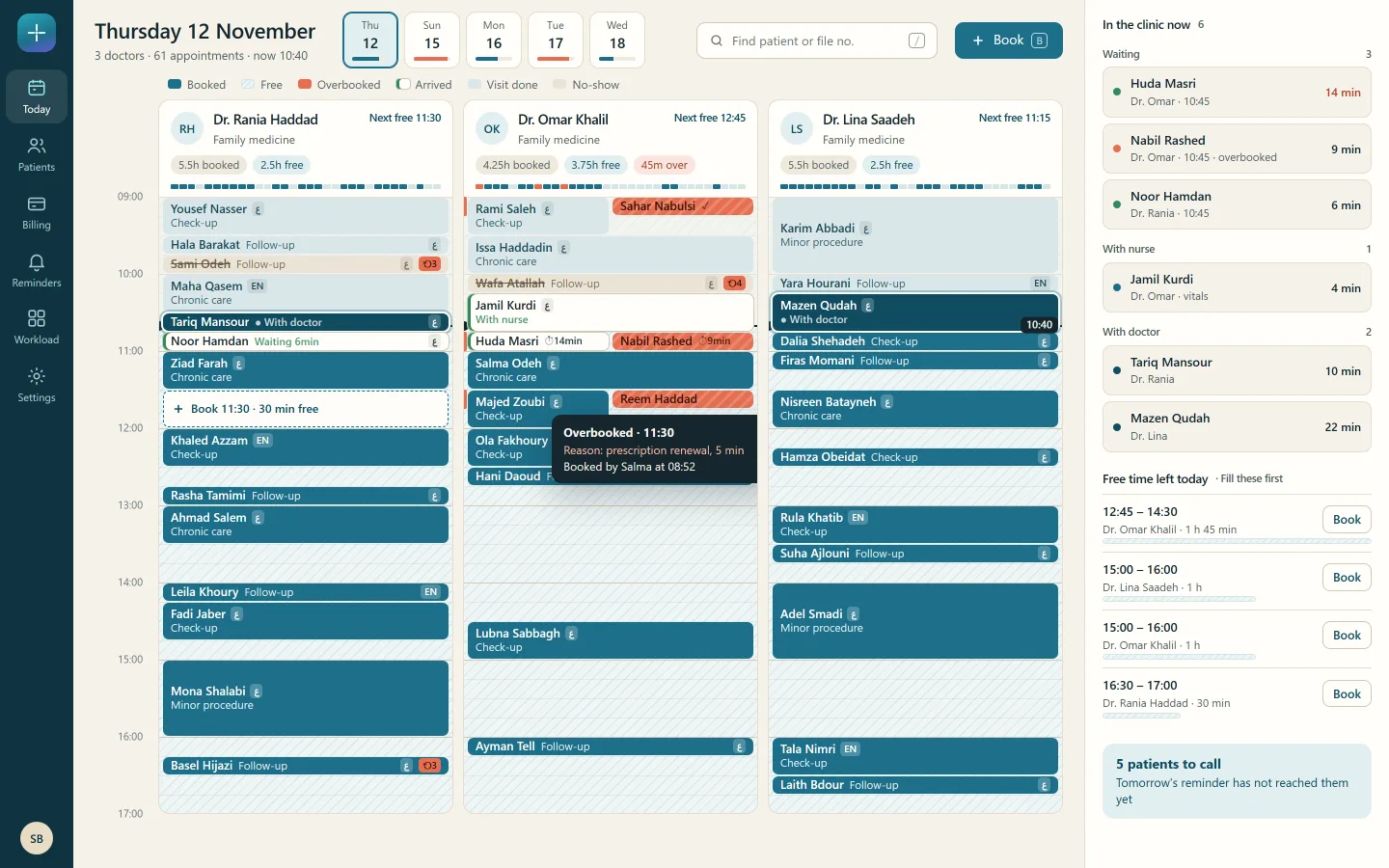
The day board shows each doctor's free and overbooked time as the desk books, and overbooking needs a reason.
The app the crew designed
No-shows cost the clinic a lot.
A reminder goes out the day before in the patient's language, and the desk gets a list of the patients it did not reach.
A routine that runs by itself
The front desk did not know what the insurer covers and what the patient still has to pay.
Each visit's charge is split at check-in into the insurer's share and the patient's share, and the two always add up.
The app the crew designed
Nobody could see how busy each doctor really is.
The owner sees booked, empty and overbooked hours for each doctor, hour by hour, and where no-shows cluster.
A dashboard for the owner
What this takes off your plate.
A day that is evenly filled
The desk sees free and overbooked time for every doctor while it books, so crowded hours and empty hours stop sitting side by side.
Fewer missed appointments
Reminders go out the day before, and the desk calls only the few patients a reminder did not reach.
No guessing at the payment desk
Every visit shows the insurer's share and what the patient owes, before the patient leaves.
Read next
Food bank
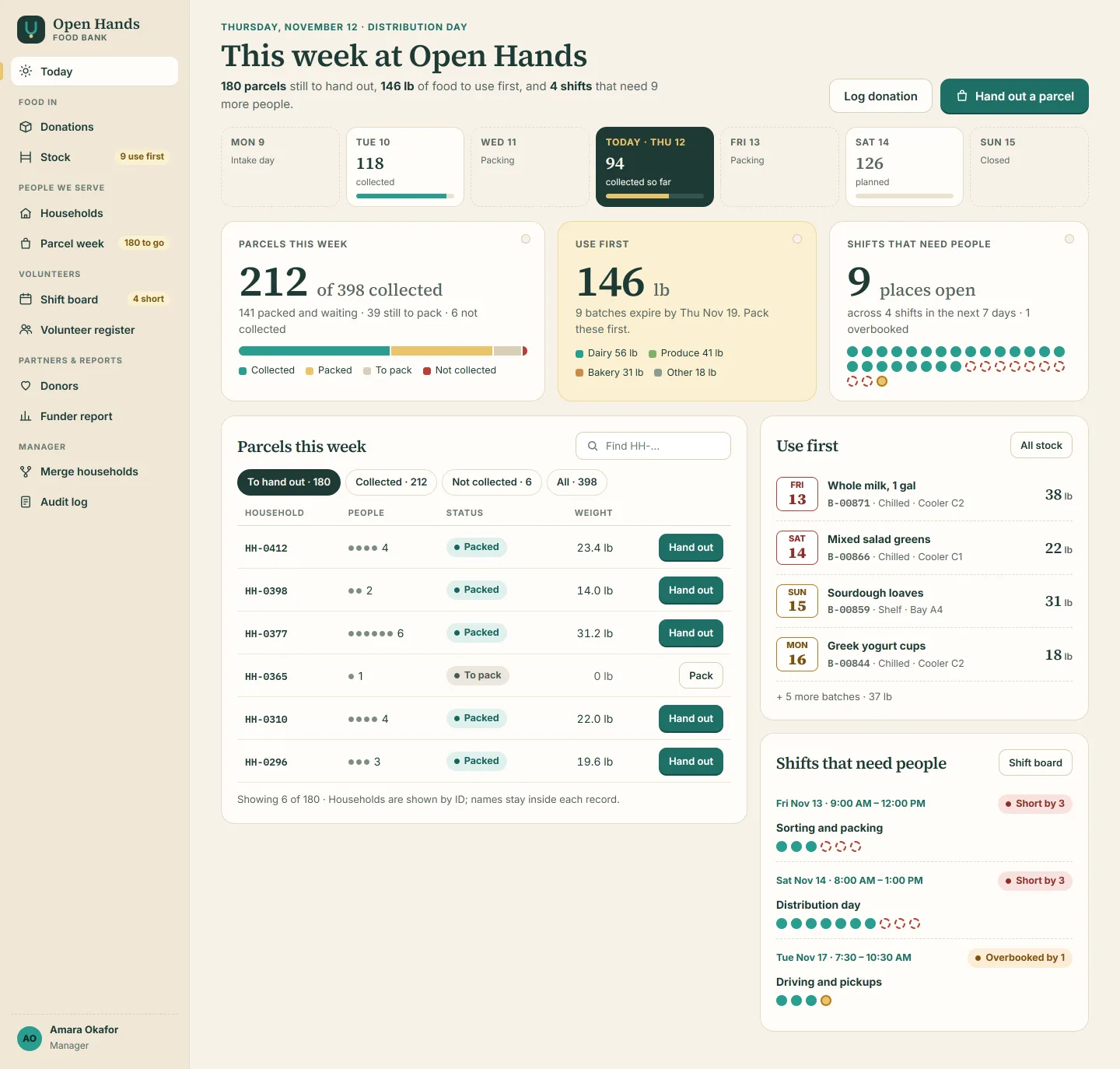
Shifts are filled, parcels are tracked, and the funders' numbers are ready.
Donations on paper, families on paper forms and volunteers in a group chat. The crew designed one app for staff and volunteers, with the quarterly funder figures worked out from the records.
Your turn. One message is enough to start.
Say what your business needs in your own words. The crew plans it, shows you the screens, and builds once you agree.