How a nursery runs on BARITA.
Parents see their child's day. Teachers put the notebook down.
The setting: About 70 children aged one to five, four classrooms, twelve staff.
It started with one simple request.
“I own a nursery and kindergarten with about 70 children aged one to five and twelve staff. Every morning the teachers take attendance on paper, the daily notes for parents (what the child ate, naps, nappies, any incidents) go home in a notebook, and fees are tracked by our office manager in a spreadsheet, so we often chase late payments too late. …”
Read the whole request
I own a nursery and kindergarten with about 70 children aged one to five and twelve staff. Every morning the teachers take attendance on paper, the daily notes for parents (what the child ate, naps, nappies, any incidents) go home in a notebook, and fees are tracked by our office manager in a spreadsheet, so we often chase late payments too late. Parents keep calling to ask how their child's day went. I want to keep each child's details, allergies and who is allowed to pick them up in one place, let teachers record attendance and the daily care notes quickly, let parents see their own child's day, and know which families owe fees.
What gets in the way.
Attendance was taken on paper every morning.
Daily notes went home in a notebook, and parents kept calling.
Late fees were chased too late.
Each child's details, allergies and who may collect them were not in one place.
Watch the crew take it on.
I own a nursery and kindergarten with about 70 children aged one to five and twelve staff. Every morning the teachers take attendance on paper, the daily notes for parents (what the child ate, naps, nappies, any incidents) go home in a notebook, and fees are tracked by our office manager in a spreadsheet, so we often chase late payments too late. Parents keep calling to ask how their child's day went. I want to keep each child's details, allergies and who is allowed to pick them up in one place, let teachers record attendance and the daily care notes quickly, let parents see their own child's day, and know which families owe fees.
The request as it was typed.
The requestLet parents see their child's day
The work appears here
How each one is removed.
Attendance was taken on paper every morning.
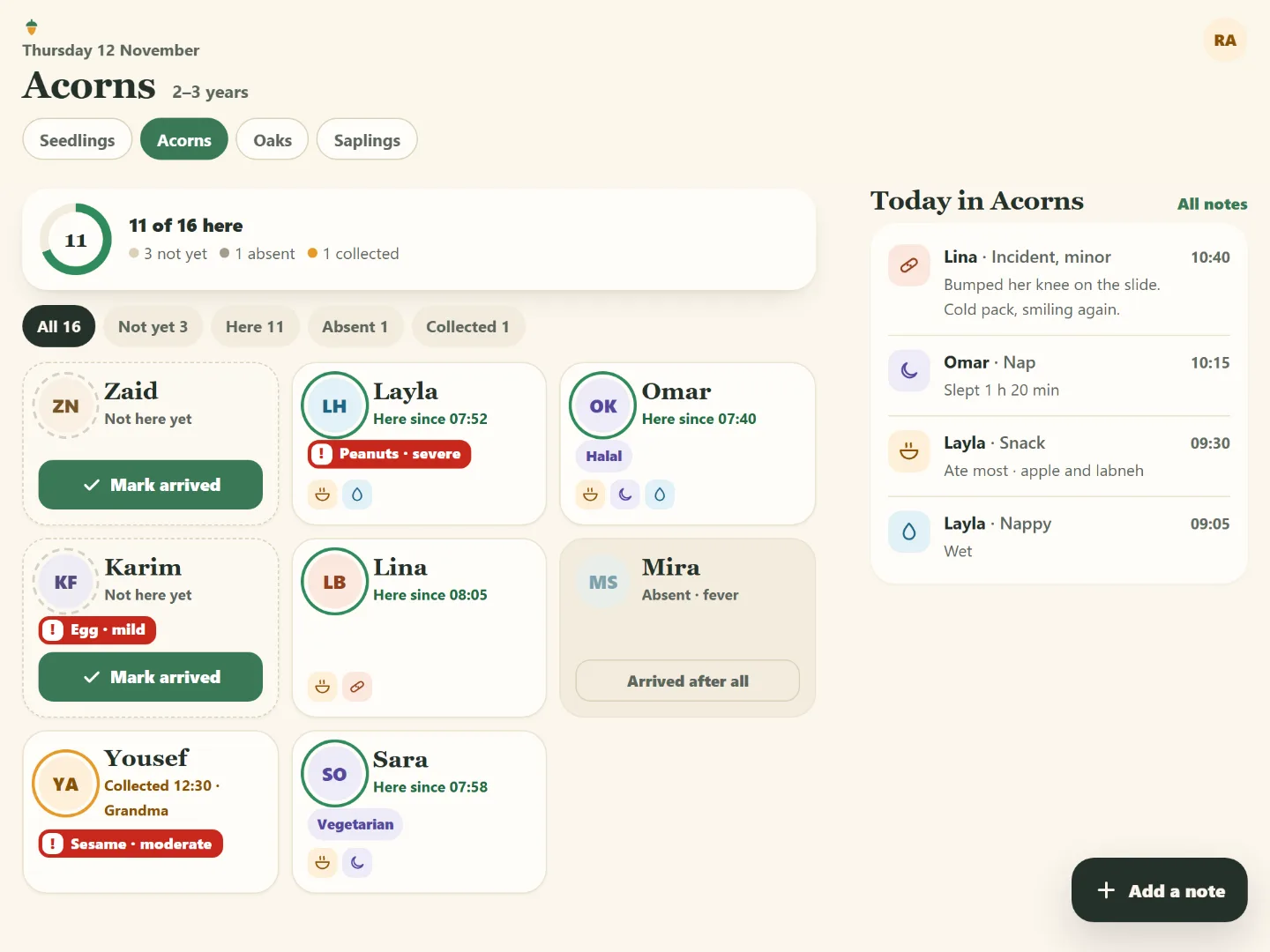
The teacher marks the room in a few taps, with allergies and who may collect each child in front of them.
The app the crew designed
Daily notes went home in a notebook, and parents kept calling.
Each care note takes two taps, and parents read their own child's day on their phone.
The app the crew designed
Late fees were chased too late.
Ask who owes and for how long, and get the families past the grace period first.
A plain question, answered
Each child's details, allergies and who may collect them were not in one place.
One file per child holds the details, the allergies and the people allowed to collect, and the room view shows them when they matter.
The app the crew designed
What this takes off your plate.
The notebook stays in the drawer
Attendance and each care note take a tap. Parents read their own child's day on their phone instead of calling to ask.
Safety that does not rely on memory
Allergies and the people allowed to collect a child are shown in the classroom and at hand-over, every time.
Late fees noticed early
The office sees which families owe, how much and for how long, after a grace period it sets itself.
Read next
Private school
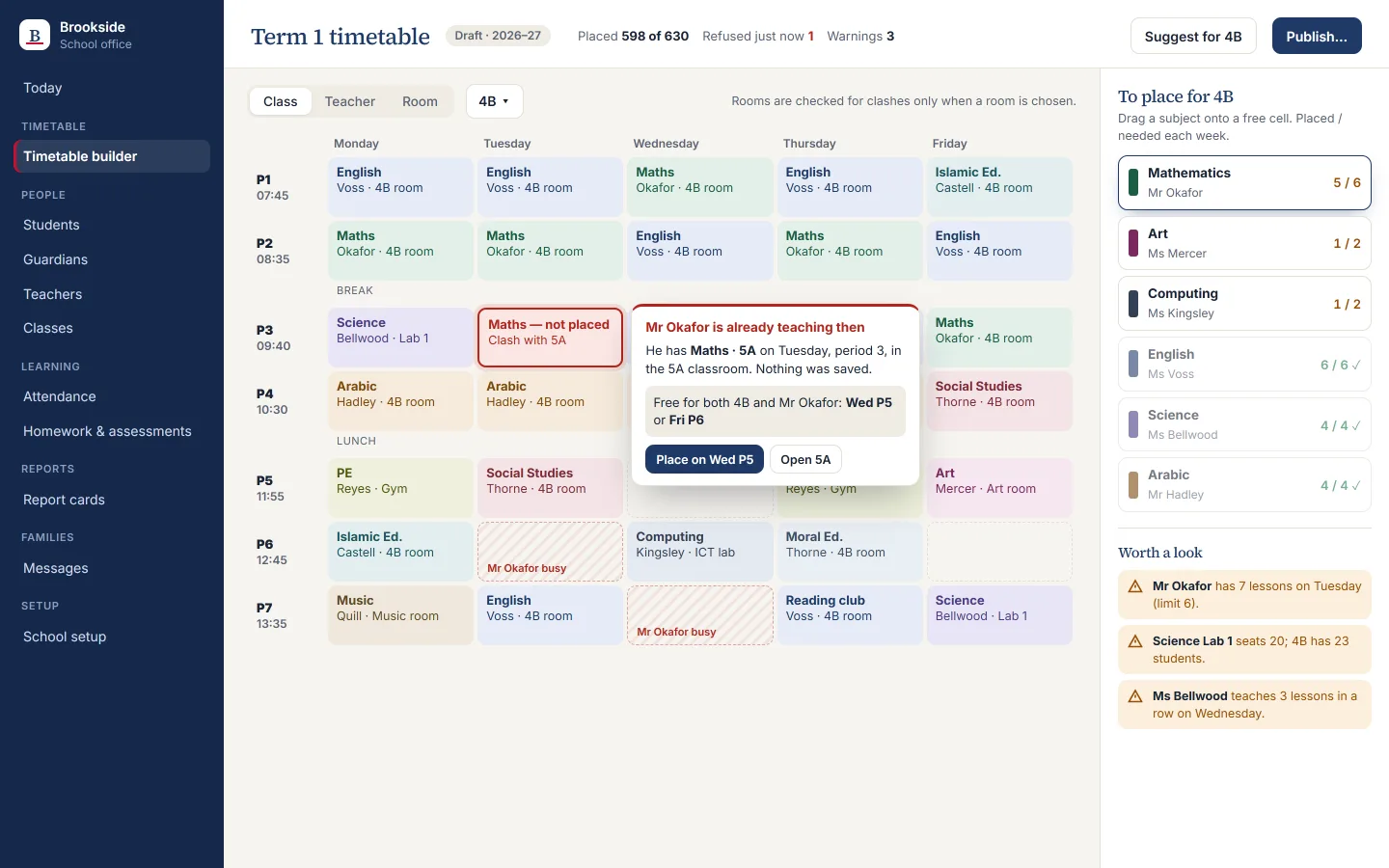
The full picture of every child, and a timetable that catches its own clashes.
Class lists, timetable, grades and messages lived in different places. The crew designed one school hub for the office, teachers and parents, in English and Arabic.
Your turn. One message is enough to start.
Say what your business needs in your own words. The crew plans it, shows you the screens, and builds once you agree.